

smart thermostat installation is one of the fastest ways to upgrade your home’s energy efficiency, comfort, and remote control capabilities. Whether you want to reduce energy bills, automate your climate, or take the first step toward a smart home, understanding how to install a smart thermostat the right way can make a huge difference in your results.
Key Takeaways
- Smart thermostats deliver measurable energy savings of up to 10-15 percent and offer fast payback, typically in two years.
- Installation can be DIY or professional—understand your home’s wiring and compatibility to avoid hidden frustrations.
- Choosing the right features, network type, and setup method can future-proof your home as smart tech rapidly evolves.
- What Is Smart Thermostat Installation and Why Upgrade?
- How to Install a Smart Thermostat: Step-by-Step Guide
- Advanced Analysis & Common Pitfalls
- Conclusion
- Smart Thermostat Installation FAQ
What Is Smart Thermostat Installation and Why Upgrade?
Smart thermostat installation means replacing your existing thermostat with one that connects to your Wi-Fi or smart home hub, allowing for energy-saving automation, remote access, usage insights, and integrations with virtual assistants. Homeowners are upgrading at record pace because of demand for lower utility bills, rebates, and the comfort of app-based climate control.
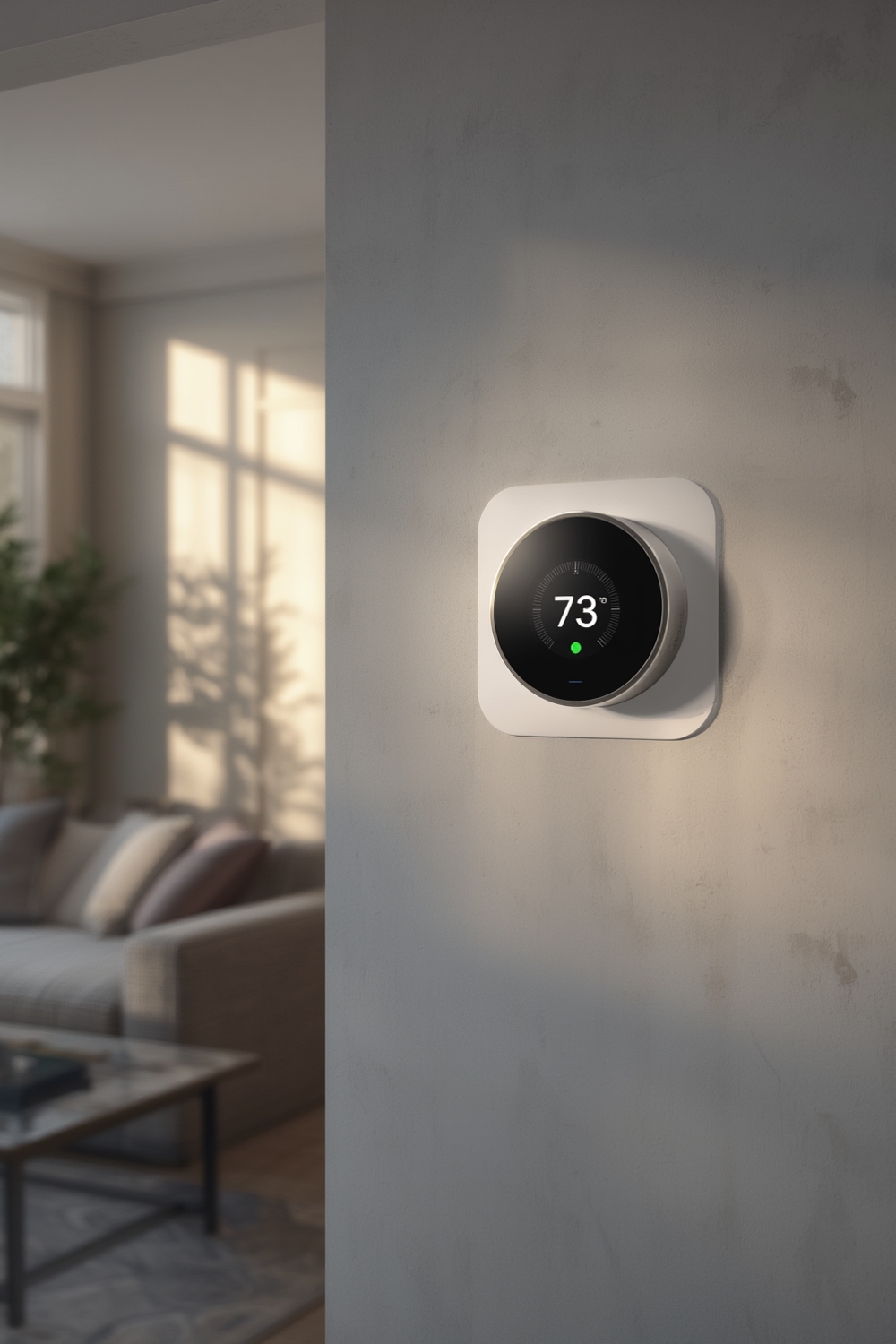
The smart thermostat market is booming: residential segments made up over 72 percent of global market value in 2024, as more homeowners retrofit existing systems (Strategic Market Research). With over 93 percent of Americans now owning a smart home device, climate control is often the first upgrade, thanks to tangible benefits like $50 to $145 annual savings and simple payback within two years (Market.US).
Beyond energy efficiency, installation offers improved comfort, integration with routines and voice assistants, and better insight into HVAC usage. It’s also a cornerstone project for anyone exploring energy efficient home upgrades or planning whole-home smart home integration.
How to Install a Smart Thermostat: Step-by-Step Guide
- Assess Compatibility and Shut Off Power
Check your existing thermostat for compatibility. Most smart thermostats work with 24V HVAC systems and need a C-wire for constant power. Older homes may lack a C-wire or have unique wiring—if so, research solutions or consider hiring a pro. - Label and Photograph Old Wiring
Remove the thermostat’s faceplate and label each wire with the provided stickers or masking tape. Photograph the wiring for backup before disconnecting anything. - Disconnect Old Thermostat
Unscrew the mounting plate and gently pull out the wires, making sure none fall back into the wall. - Install the New Backplate
Attach the new base plate to the wall, threading labeled wires through the center. Use a level for clean installation. - Connect Wires to the New Terminal
Insert each labeled wire into the corresponding terminal—most smart thermostat manuals have diagrams. Double-check the fit and don’t force any connections. - Mount the Smart Thermostat Display
Snap the display onto the base plate. Restore power at the circuit breaker. - Follow On-Screen Setup
Use the on-device prompts or app to connect to Wi-Fi or your smart home hub and complete setup. Enter basic info about your HVAC system as prompted. - Test and Configure
Test heating and cooling cycles. Adjust basic schedules, explore eco or “away” modes, and set up voice control if supported.
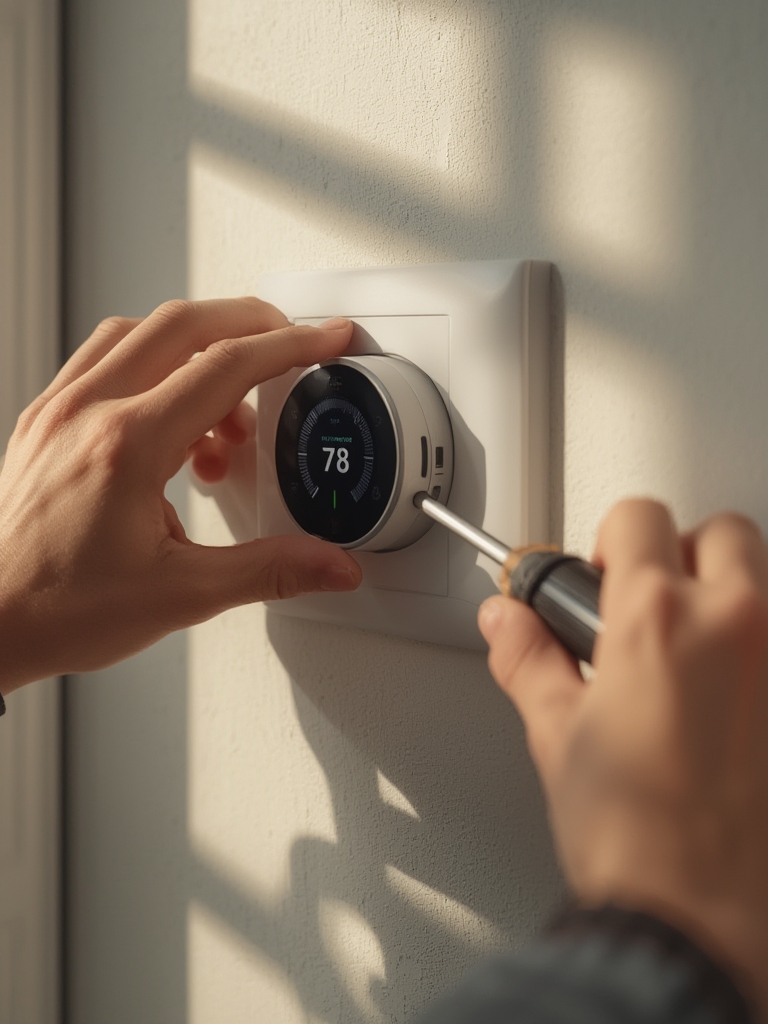
For maximum energy savings, take five minutes to program a heating/cooling schedule based on your occupancy. Over time, smart thermostats “learn” your patterns and further optimize on their own.
If tackling DIY improvements interests you, see our comprehensive DIY home improvement guide for more ways to enhance value.
Advanced Analysis & Common Pitfalls
While most installations are straightforward, real-world problems can slow you down. Here are the most common issues to watch for, plus a quick comparison if you’re deciding between DIY and professional installation.
| Problem/Pitfall | DIY Install | Professional Install |
|---|---|---|
| Compatibility with HVAC or wiring (no C-wire, old systems) | High—must verify before buying; may need C-wire adapter. | Installer solves wiring issues; less risk of incompatibility. |
| Wiring confusion or mislabeling | Common—label wires and follow instructions closely. | Handled by technician; lower chance of wiring error. |
| Wi-Fi or app pairing failures | Occasional—reset router, check app compatibility. | Handled during setup; support included if issues persist. |
| Home system limitations for advanced automations | Potential—older homes may limit options for automation or voice control. | Installer can recommend upgrades for seamless integration. |
| Missing out on utility rebates | User must research eligibility and submit paperwork. | Pros may guide on available rebates and ensure compliant install. |
While DIY saves on upfront costs, missteps can void warranties or create safety issues—especially if dealing with high-voltage systems. In some states, rebates or insurance require a licensed installer. Always check documentation and eligibility.
If you live in an older property with unique wiring or want to integrate with Zigbee/Z-Wave mesh networks, professional setup is often the safe bet (Strategic Market Research).
Be sure to routinely update your device’s firmware after install, as this is crucial for security and compatibility with smart home platforms. For other smart upgrades, such as smart irrigation controller installation, similar principles apply: verify compatibility and don’t rush wiring.
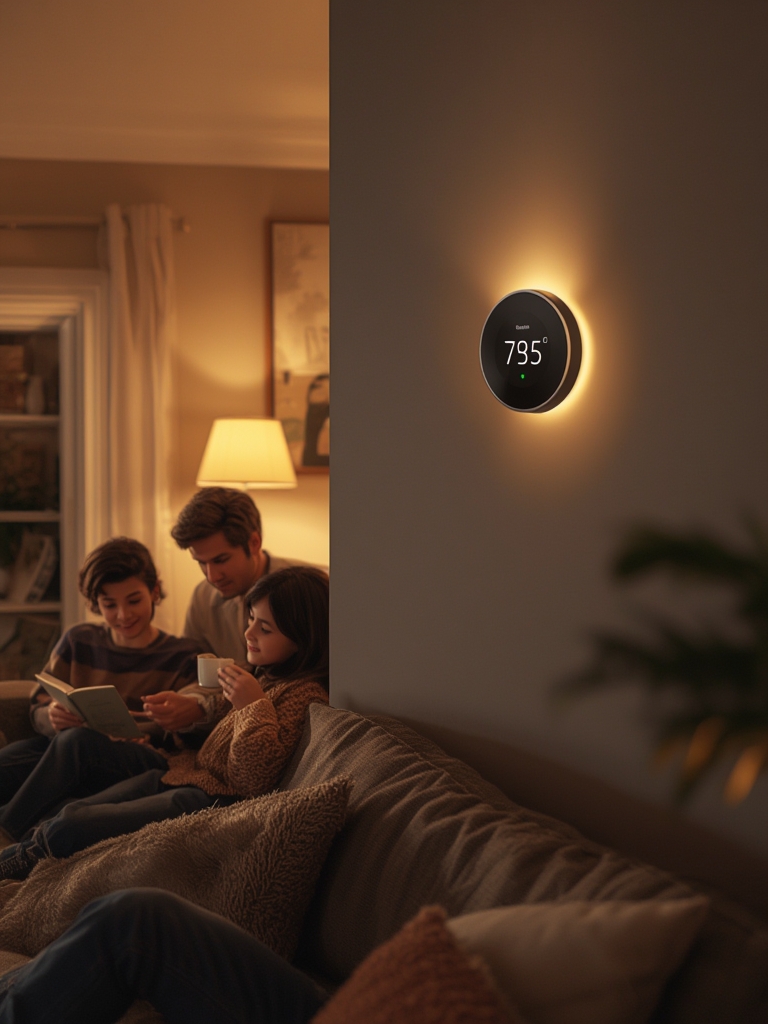
Measurable performance improvements include 10-12 percent heating and 15 percent cooling reduction with recent devices (Market.US), and integration into energy efficient home upgrades can amplify overall savings. Smart scheduling, auto-away, and learning features account for most of the impact.
Conclusion
Smart thermostat installation offers one of the best ROI upgrades for modern homes—providing savings, comfort, and control with relatively low risk. Be realistic about your DIY skills and wiring: most installations go smoothly, but tackling uncommon HVAC setups or integrating advanced automations often benefits from professional help. Always follow the setup steps, check wiring, and test all systems before relying on the upgrade. Ready to take control of your energy bills and comfort? Now is the perfect time to plan your smart thermostat installation—start by verifying compatibility, comparing brands, and deciding on the best approach for you.
Looking for more ways to create a more efficient home? Explore our best guides on DIY home improvement projects and consider how technologies like smart home integration can transform your space.
Smart Thermostat Installation FAQ
Do I need a C-wire for smart thermostat installation?
Most smart thermostats require a C-wire for constant power. Some models offer workarounds or include a power extender kit, but if your home is missing a C-wire, it’s important to confirm your chosen device supports alternative wiring solutions or plan for professional help.
Will installing a smart thermostat void my HVAC warranty?
Generally, swapping traditional thermostats for a compatible smart version does not void HVAC warranties. However, incorrect wiring or mishandled installation may cause issues. Always follow manufacturer instructions and consider professional install if in doubt.
Can I install a smart thermostat myself in an older home?
In most cases, yes—especially if your system uses standard low-voltage wiring. However, older homes can have nonstandard wiring or lack a C-wire; review instructions beforehand. If wiring is confusing, call a pro to ensure safety and device performance.
How much money can a smart thermostat actually save?
Smart thermostats typically reduce heating by 10-12 percent and cooling by 15 percent. Depending on your usage and region, annual savings range from $50 to over $130, with most users recouping their investment in two years or less.
Are there rebates or incentives for smart thermostat installation?
Many utility companies and some states offer rebates or incentives for approved smart thermostat installations. These often require using Energy Star–certified models and, in some cases, professional installation. Always verify eligibility before purchasing.
