

Smart home integration is changing how we experience comfort, security, and efficiency in daily living. Whether you want better control, higher savings, or seamless automation, understanding smart home integration in 2024 is essential for homeowners and renters aiming to future-proof their living space.
Key Takeaways
- The global smart home market reached up to $129.17 billion in 2024, with rapid projected growth and major gains in North America and Asia-Pacific.
- True smart home integration isn’t just about buying devices; seamless interoperability, careful planning, and attention to privacy are musts.
- Common stumbling blocks include device compatibility, hidden costs, and ongoing security management—realistic planning is key to success.
- What Is Smart Home Integration and Why Does It Matter?
- How to Integrate a Smart Home: Step-by-Step Guide
- Advanced Analysis & Common Pitfalls
- Conclusion
- FAQ: Smart Home Integration in 2024
What Is Smart Home Integration and Why Does It Matter?
Smart home integration is the process of connecting all your home automation devices, systems, and appliances to work together through one unified network or platform. Instead of controlling your smart lights, thermostat, security cameras, and doorbells separately, true integration enables them to communicate and automate tasks as a single, coordinated system. The result is greater efficiency, higher convenience, better security, and sometimes even energy savings.
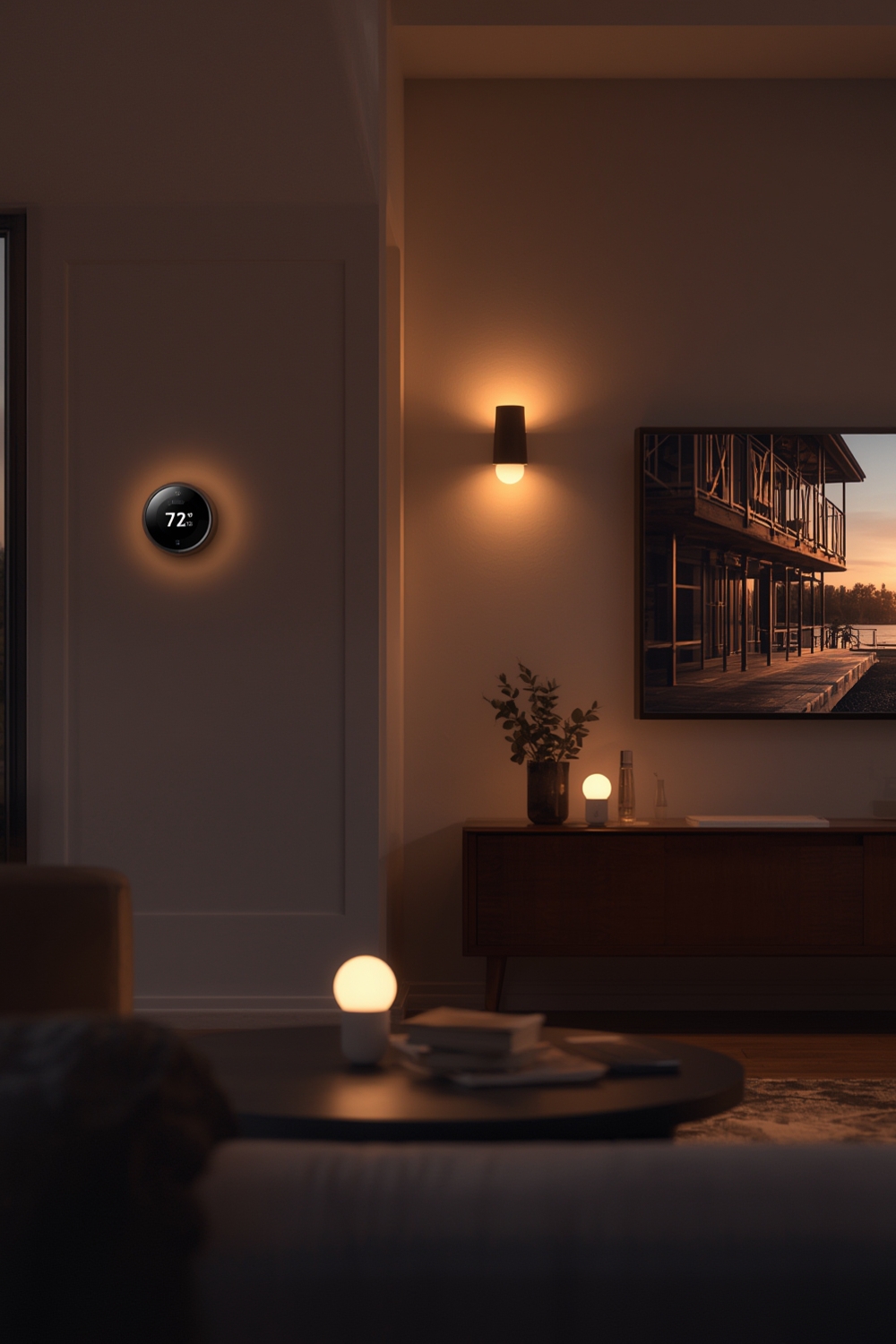
The global appetite for smart homes is massive. According to recent data, the worldwide smart home market size reached between $84.5 billion and $129.17 billion in 2024, depending on the source. Growth projections are strong, especially in North America (current leader with 35.62% market share) and Asia-Pacific, driven by smart city initiatives, rising incomes, and energy-efficiency policies. By 2034, some forecasts exceed $1.4 trillion in value (Precedence Research).
But moving from trendy gadgets to a truly smart home takes more than shopping for devices. It matters because only proper integration delivers the automation, peace of mind, and real convenience that people expect. Otherwise, users face frustration, wasted investments, and security gaps.
If you’re considering other home improvements alongside smart home upgrades, you might also want to read about energy efficient home upgrades to maximize your savings.
How to Integrate a Smart Home: Step-by-Step Guide
Ready to start your smart home integration project? Follow these structured steps for a foundation that grows with your needs—without costly missteps or future headaches.
- Assess Your Home and Priorities
- Decide what matters most: Security, climate, lighting, or entertainment?
- Walk through your home and list existing devices or systems you want to automate.
- Select the Right Ecosystem
- Most users choose Amazon Alexa, Google Home, Apple HomeKit, or SmartThings as their control platform.
- Double-check that your chosen hardware and software speak the same “language.” Look for devices supporting Matter, Zigbee, or Z-Wave for superior interoperability and future updates.
- Draft a Device Integration Plan
- Make a spreadsheet or diagram mapping how you will connect lighting, thermostats, security cameras, and doorbells—including which ones require wired vs. wireless installation.
- Prioritize rooms or main functions (e.g., entryway security, living room lighting) if your budget is limited.
- Start With Core Systems
- Install one segment at a time, testing compatibility as you go. For example: Put in your smart thermostat before adding smart locks and cameras to avoid network overload or setup confusion.
- Leverage native automation routines (like Google Assistant Routines or Alexa Automations) to combine devices.
- Check for manufacturer instructions about setup order—some brands require the hub to be installed before peripherals.
- Ensure Security from Day One
- Change default passwords on every device and enable two-factor authentication where possible.
- Update firmware before automating routines to patch security vulnerabilities. Most apps will guide you through this as part of setup—don’t skip it.
- Automate and Personalize
- Set up schedules, triggers (like motion sensors turning on hallway lights), and scenes (e.g., “Goodnight” turns off all lights and locks doors).
- Continue expanding your system at your pace. Always revisit compatibility charts before new purchases.
- If you want to enhance outdoor comfort as well, see our guide to covered outdoor living spaces.
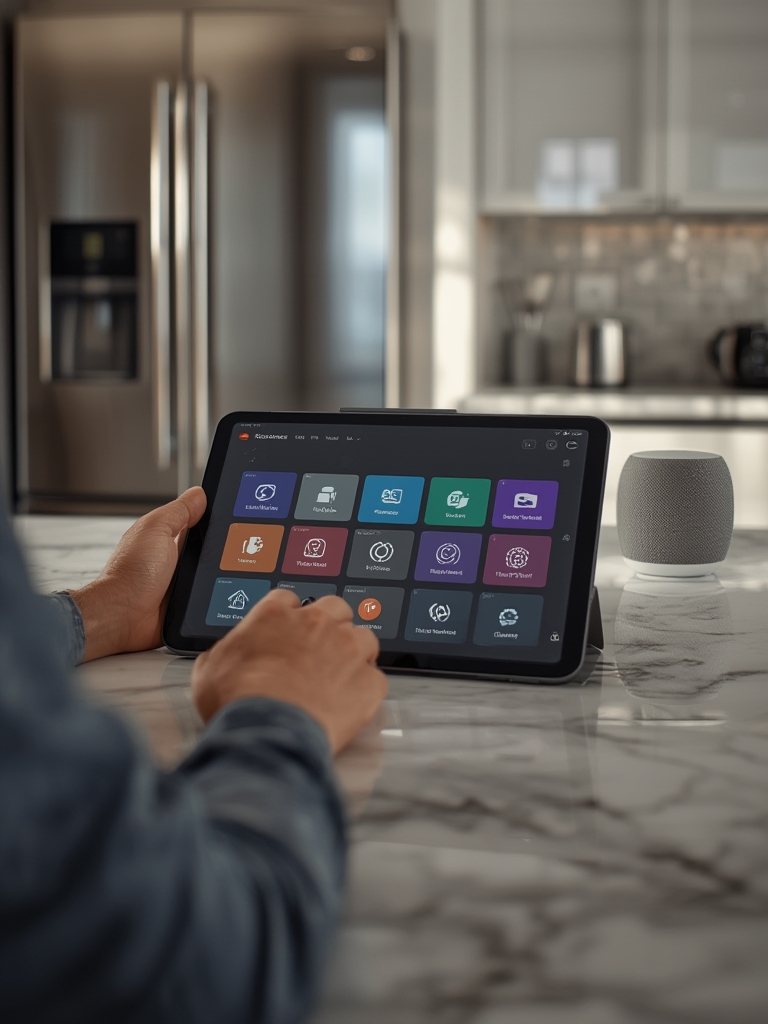
For smaller projects, try integrating just lighting and climate controls first. Once comfortable, advance to security systems and appliances. You may also find value in our self leveling floor guide if your installation involves running wires under flooring.
Advanced Analysis & Common Pitfalls
While market forecasts are exciting, the reality of smart home integration involves significant planning and ongoing effort. Here are the most common (and often overlooked) pitfalls:
- Device Compatibility Frustrations: Many smart home owners find that devices from different brands can’t easily sync or require “workarounds” for automation—especially when systems don’t use universal standards like Matter, Zigbee, or Z-Wave.
- Security Gaps: Default passwords, lack of updates, or poorly configured network settings can leave your home devices vulnerable to hacking. According to NielsenIQ, security is one of the fastest-growing (and most worry-prone) categories for users in 2024.
- Hidden and Ongoing Costs: Initial setup is just the beginning—factor in ongoing subscriptions (cloud video storage, advanced automation features), replacement parts, and maintenance. Prices also vary widely across leading brands, but real-world data is lacking, so always check manufacturer terms for updates.
- Installation Complexity: Some systems require professional wiring, drilling, or even electrical work. If you’re not comfortable DIYing, choose projects matched to your skills—or budget for installer services.
- Interference and Connectivity Issues: Wi-Fi Dead Zones can cause routine failures, automation lag, or missed security alerts. Ensure you have adequate networking across your space.
| Problem | Real-World Impact | How to Prevent |
|---|---|---|
| Incompatible Devices | Automation routines fail, multiple apps needed | Pick devices supporting Matter/Zigbee/Z-Wave; check platform compatibility |
| Poor Security Practices | Risk of hacking, privacy breaches, downtime | Always update firmware, change default passwords, enable 2FA |
| Wi-Fi Dead Zones | Laggy automations, camera/video dropouts | Use mesh Wi-Fi or Wi-Fi extenders, locate hub centrally |
| Hidden Costs | Monthly bills, upgrades needed for full features | Calculate subscription/storage fees before purchase |
| DIY Overreach | Faulty installations, unreliable performance | Hire pros for electrical-heavy installs; start small |
Some users mention missing guides about integrating pet care and gardens. For pet safety, see our dog harness tips. Gardeners should check out the hula hoe tool guide for easy outdoor maintenance as they automate security for their backyards.

Conclusion
Integrating your home technology can transform daily life, making it safer, easier, and even more energy efficient. But a successful smart home integration requires upfront planning, realistic budgeting, and ongoing effort to manage security and compatibility.
Ready to build a smarter home? Start with a detailed plan, choose devices wisely, and keep security a top priority. Don’t let hype or sales pressure rush your decisions—solid integration will pay dividends in comfort, control, and peace of mind. Are you ready to take your smart home integration to the next level? Get started with one room, and expand as your needs (and confidence) grow.
Want even more ways to elevate your living environment? Check out our expert guides on biophilic design at home and furniture refinishing to match your upgraded tech with upgraded style.
FAQ: Smart Home Integration in 2024
What is the biggest benefit of true smart home integration over simply owning smart devices?
With smart home integration, devices work together in automated routines, not as isolated gadgets. For example, a security camera can trigger lights and send mobile alerts, all without manual intervention.
How much does full smart home integration cost?
Costs vary widely based on the number and type of devices (lighting, security, HVAC, appliances) and whether you hire installers. Expect several hundred to many thousands of dollars for equipment, with additional costs for pro installation and subscription fees for some cloud-based features.
Are there privacy risks with smart home tech?
Yes, especially if devices are left on factory settings. Always update firmware, change default passwords, and check what data your providers collect or share. Voice assistants like Alexa and Google Home offer privacy settings—use them.
Which brands or protocols guarantee the best compatibility?
Look for devices supporting Matter, Zigbee, or Z-Wave. Ecosystems like SmartThings, Home Assistant, and Apple HomeKit have strong cross-brand support. Always verify before purchase.
Can renters integrate a smart home without damaging the property?
Absolutely. Focus on wireless smart bulbs, smart plugs, and Wi-Fi cameras that require no permanent alterations. These can be removed or reconfigured when you move.
